Step 1: Create a Lido stVault
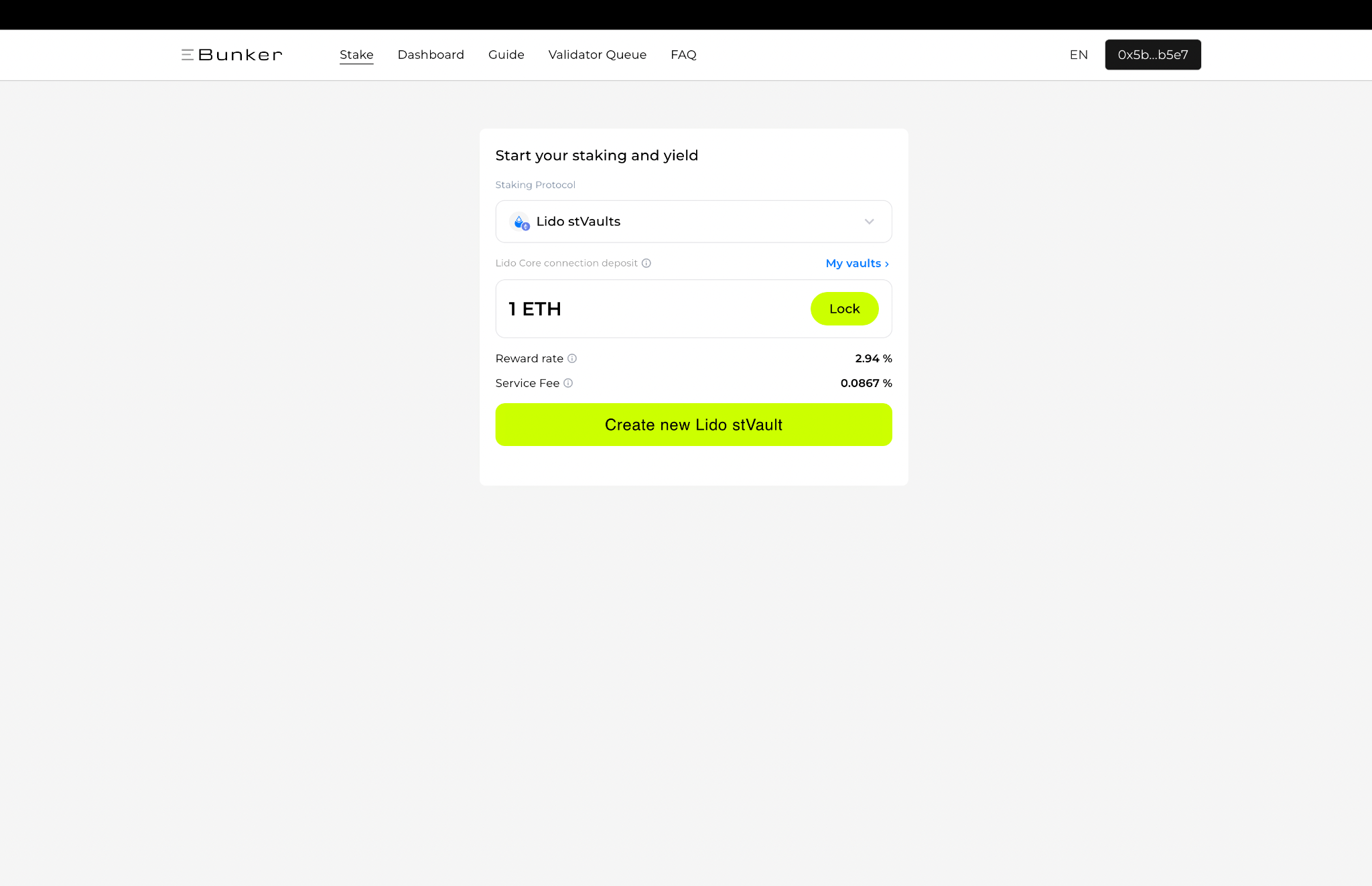
- Connect your wallet to Ebunker and open the Stake page.
- Select Lido stVaults as the staking protocol.
- Review the Lido Core connection deposit shown on the page. This amount is fixed and does not need to be entered.
- Review the displayed Reward rate and Service Fee.
- Click Create new Lido stVault and confirm the transaction in your wallet.
Once the transaction is confirmed, the new vault will appear under Dashboard → Lido stVaults → My Vaults.
Note: Creating a vault does not by itself mean that ETH has been staked. After the vault is created, ETH can be deposited into it using the Stake function.