Step 2: View and Manage Your Vaults
Go to Dashboard → Lido stVaults → My Vaults to view the stVaults associated with your connected wallet.
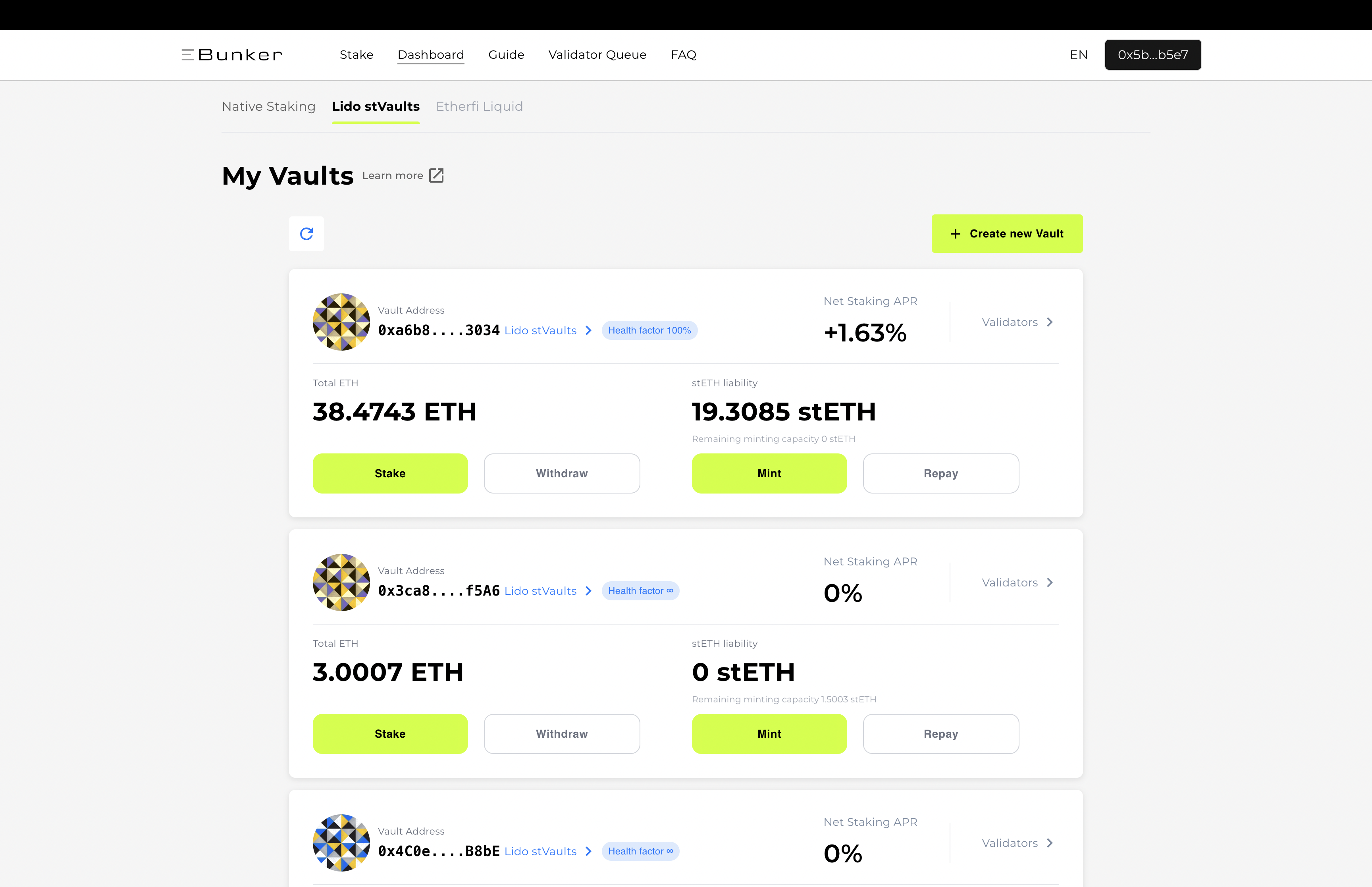
Each vault card provides an overview of the vault, including:
- Vault address
- Total ETH held in the vault
- stETH liability
- Remaining minting capacity
- Net staking APR
- Validators associated with the vault
- Available actions: Stake, Withdraw, Mint, and Repay
If your wallet controls multiple stVaults, each vault is displayed separately. Always make sure you select the correct vault before performing an action.